
Scenario Based Learning Module
QUICK OVERVIEW
Sample instructional design project
For professionals who create presentation slides
Scenario-based e-learning module
Tools used Captivate, Camtasia, Adobe Illustrator
Interactive elements, video, knowledge checks
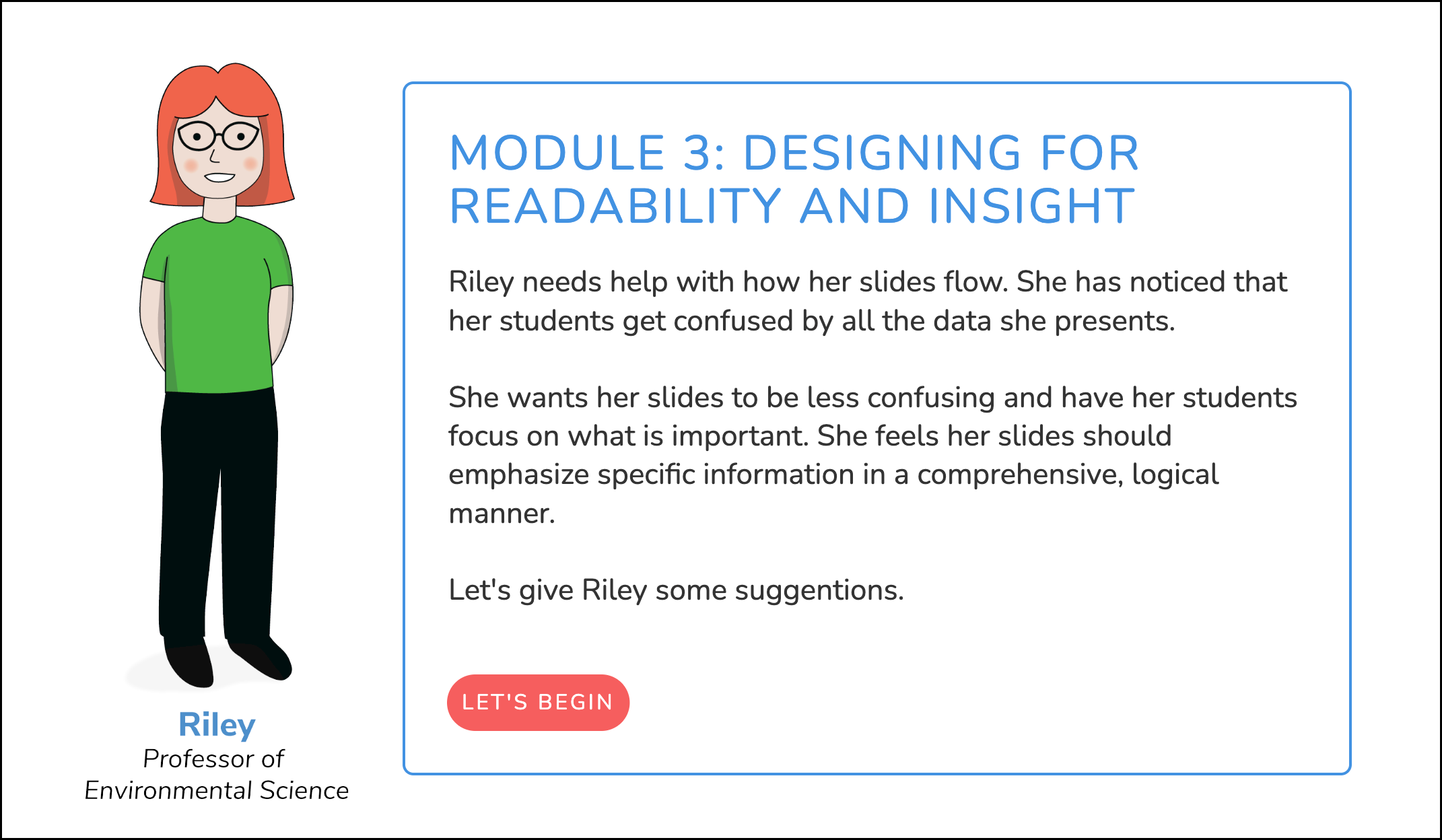
Module Introduction
PROJECT OVERVIEW
This project is a prototype for an e-learning module focused on improving slide presentation design. The module introduces learners to common presentation challenges through a short scenario in which a character’s is shown logical improvements for designing a better slide.
In the example shown here, the learners focus on specific strategies to improve slide design.
The sample includes interactive elements, a short instructional video, and a knowledge-check quiz that reinforce key ideas about effective slide design.
THE LEARNING PROBLEM
Many presentations rely on slides that are overly dense, visually confusing, or poorly structured. When slides contain too much text or lack visual hierarchy, they compete with the presenter rather than supporting the message.
To make the learning experience more relatable, the course follows three characters who are developing presentation slides. Each module focuses on a different challenge encountered during the design process.
The sample shown here introduces Riley, a professor whose slides contain several common design issues. Learners begin by examining her slides and identifying what makes them difficult to read and understand.
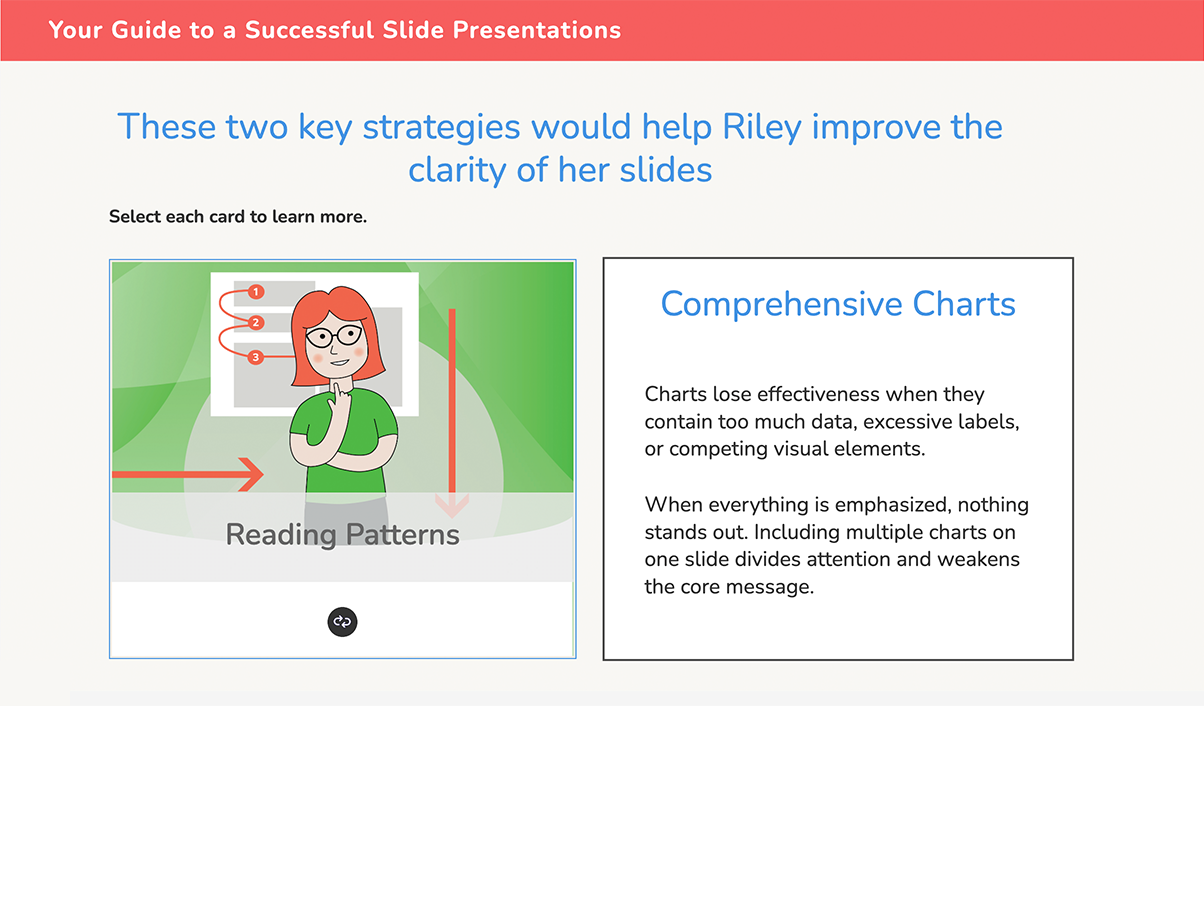
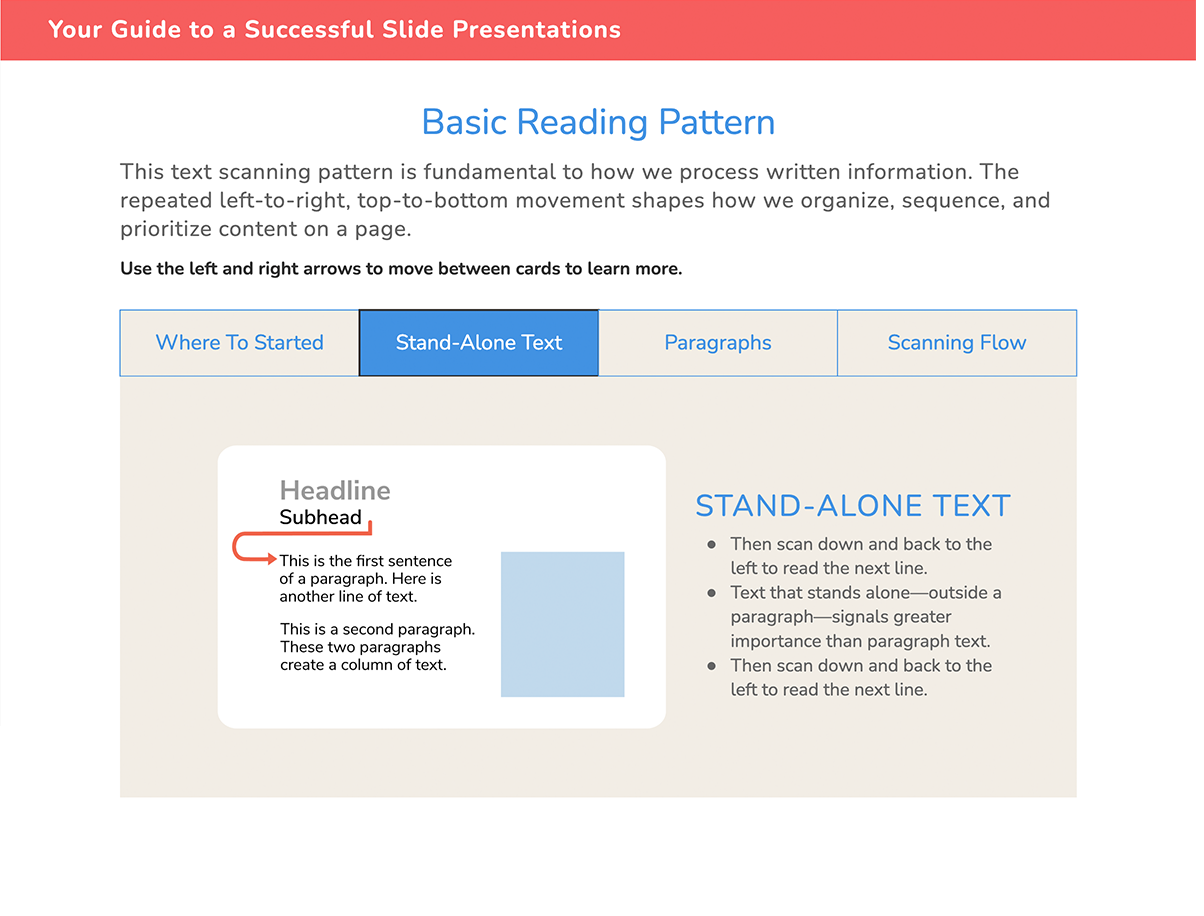
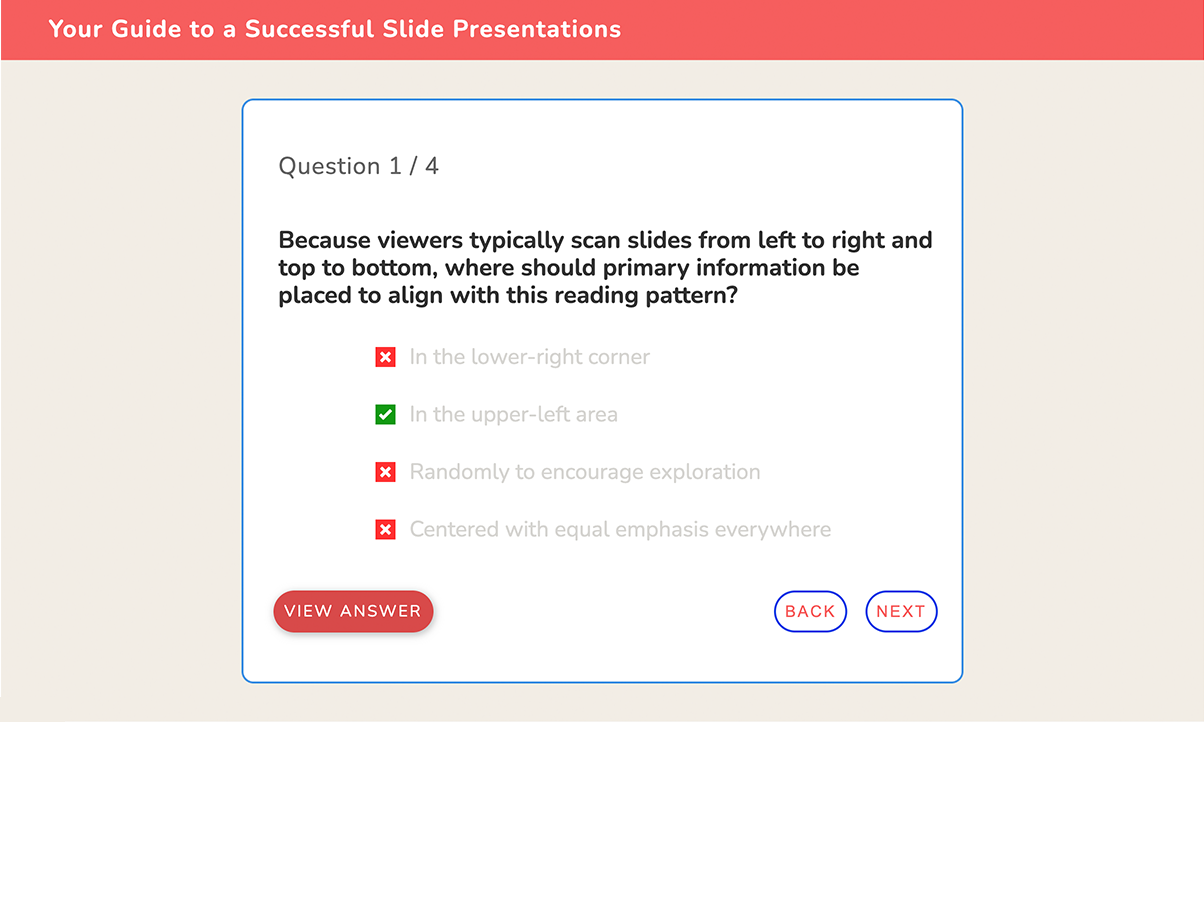
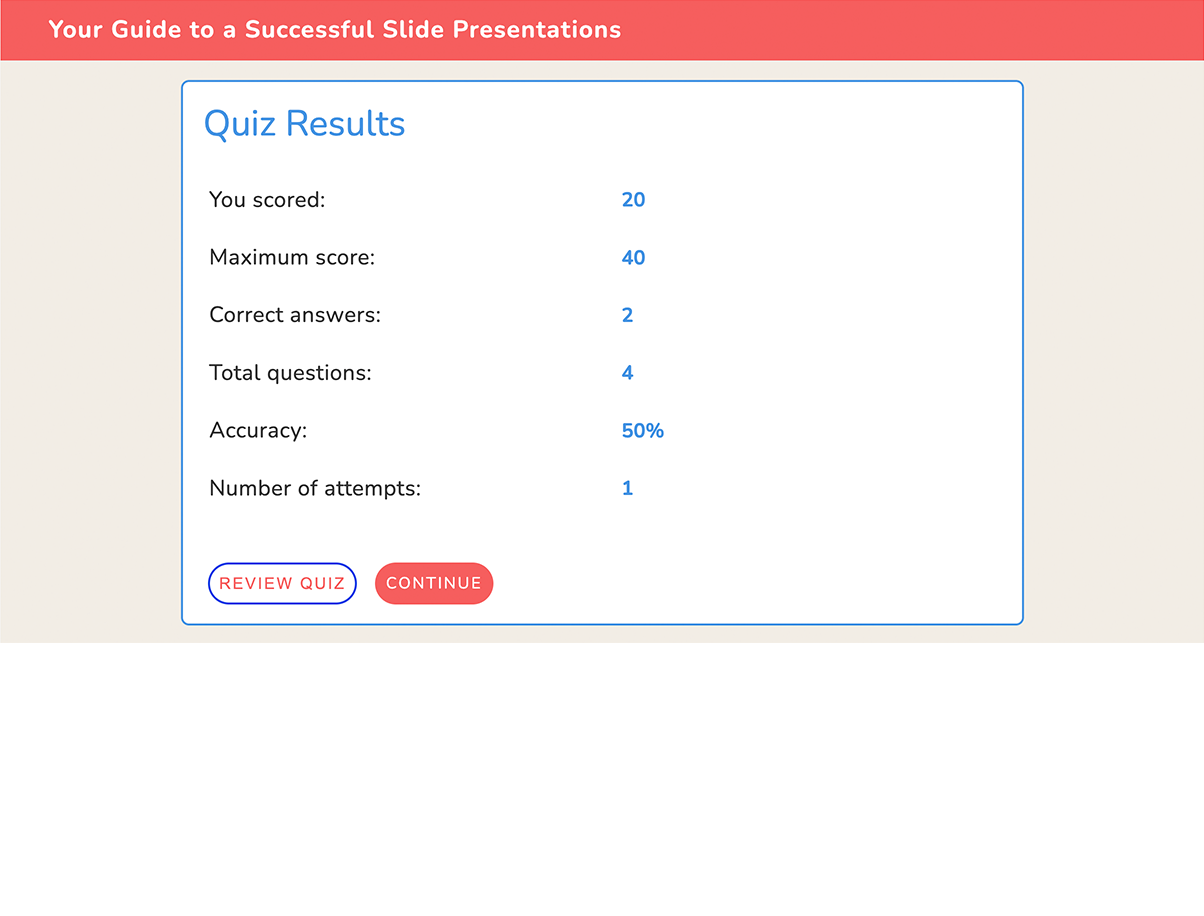
Sample Screens
LEARNING GOALS
By the end of this module, learners will be able to:
Identify common problems in slide presentations
Recognize how layout and visual hierarchy affect readability
Evaluate slide design for clarity and effectiveness
Apply basic design principles to improve presentation slides
INSTRUCTIONAL APPROACH
The module uses a scenario-based learning approach to situate instruction within a realistic context. Rather than presenting design rules in isolation, learners encounter slide design problems through the experience of a character preparing a presentation.
Guided improvement strategies
Learners are introduced to practical techniques that can be used to refine a sample slide and improve clarity, organization, and visual hierarchy.Segmented instruction
Concepts are presented in short, focused sections to support comprehension and reduce cognitive load. Interactive elements such as cards and tabs allow learners to explore ideas in manageable pieces.Knowledge checks with feedback
Short quizzes allow learners to test their understanding of key concepts. Immediate feedback reinforces correct ideas and clarifies misunderstandings.
MODULE STRUCTURE
The sample prototype demonstrates the beginning of the module and includes the following learning sequence:
Course introduction and scenario setup
Introduction to the character and her presentation challenge
Analysis of problematic slide examples
Short instructional video explaining slide design principles
Interactive slide evaluation activity
Knowledge-check quiz
DESIGN DECISIONS
Several design choices shaped the structure of this module.
Narrative framing
A character-based scenario helps learners connect the content to real workplace situations.
Visual examples
Slide design problems are easier to understand when learners analyze examples rather than abstract descriptions.
Segmented instruction
Content is broken into short sections to maintain attention and support comprehension.
Interactive reinforcement
Short interactions and quizzes allow learners to apply ideas immediately and receive feedback.